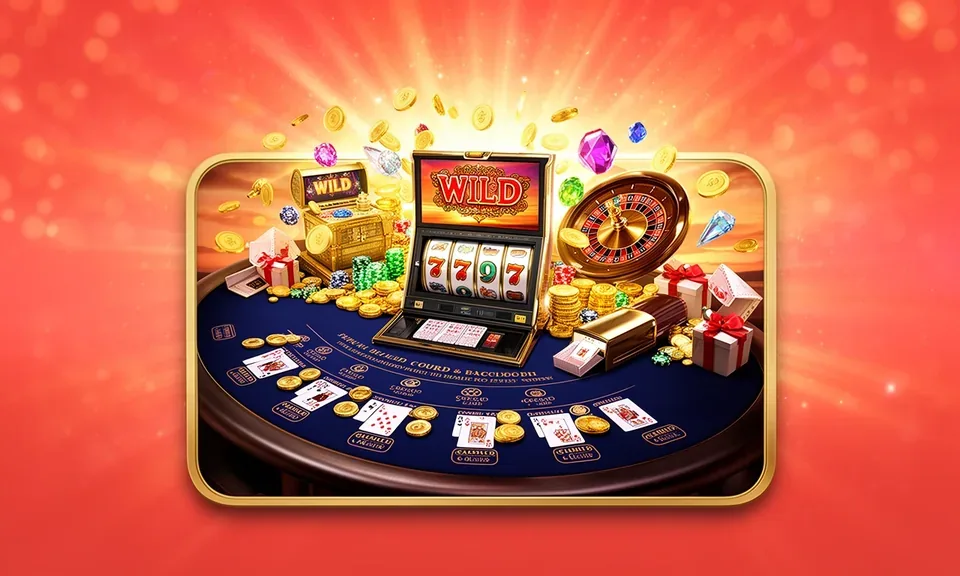
bingosaya: Built Around Your Account, Not Around Hype
We shaped bingosaya around one idea: your account should work the way your phone already does — fast to open, easy to return to, and clear at every step. Availability depends on local law and eligible regions in the Philippines.
Every choice we made in building bingosaya — from the login screen to the transaction history — comes back to one principle: you should always know where you stand. We keep account flows short, support routes visible, and wallet history readable without digging through menus. That is not a brand promise; it is how the platform is actually built.
Account Clarity
Your wallet balance, transaction history, and current account status are visible from the moment you log in. We do not hide figures behind tabs or require extra steps to see what is in your account right now.
Consistent Support Path
We publish the same support route across every page — live chat and a contact form — so you are never hunting for help. The path does not change whether you are on the lobby, the deposit screen, or your account settings.
Local Payment Context
GCash, Maya, and GrabPay are configured into the account flow because that is how most people in the Philippines already move money. The same habits you use for bill payments apply directly here, with no extra conversion step.
Mobile-First by Design
The lobby layout, card sizing, and navigation order were set for a phone screen first. Scrolling, switching game categories, and returning to a session mid-rail all work with one thumb, the way mobile browsing already does.
ONE ACCOUNT, EVERY AREA
How Our Play Areas Differ — and What Stays the Same
bingosaya carries three distinct play areas — slots, live casino tables, and a sportsbook — each with its own pace and format. Slots like Kadayawan Bloom Slots run on individual session logic; live tables like Peek Baccarat Live move in real time with a dealer; the sportsbook, which includes basketball markets covering PBA and NBA, runs on scheduled events. Despite those format differences, what does not change is your account. One login reaches all three areas, the same wallet balance applies everywhere, transaction history covers every play area in one list, and the same support routes are available regardless of which section you are in.
Slots Area
Slot sessions are self-contained — you set your round and the result resolves before the next one starts. Kadayawan Bloom Slots is one title available here. Your wallet balance updates after each session and is visible in the same account dashboard you use for everything else.
Live Casino Tables
Live tables like Peek Baccarat Live run continuously with a dealer on camera. Rounds follow a shared timer, not your individual pace. The same account wallet funds your seat, and the same transaction history logs every result alongside your other activity.
Sportsbook
The sportsbook covers scheduled events — basketball is the most active category, with PBA and NBA markets. Bet selections and outcomes appear in your transaction history the same way a slot result or table round does, all under one account view.
What Stays Identical
One login, one wallet, one transaction history, and the same live chat and contact-form support route. Switching between slots, live tables, and the sportsbook never asks you to re-verify or reload funds from a separate pool.
WHAT DEFINES THIS BRAND
The Visible Elements That Shape bingosaya
A brand is easier to understand through what you can actually see and do than through mission statements. Here are the four things that define how bingosaya is built — each one something you can check yourself from your account or the lobby.
Game-Category Depth
The lobby organises titles into slots, live casino, table games, bingo, crash games, and the sportsbook. Each category has its own rail. Bingo 30 Ball and Tongits Showdown sit in separate sections so you find the format you want without scrolling through unrelated titles.
Studio Catalogue Transparency
Titles in the lobby come from Microgaming, Spadegaming, PG Soft, and CQ9. We name the studios so you can verify which provider built a title before you open a session. That information is shown on the game card where the provider exposes it.
Account-Centric Navigation
Every screen in the lobby links back to your account in two taps or fewer. The wallet chip, transaction history, and account settings are anchored in the header so returning users spend time on the lobby, not on navigation.
Short Return Path
Returning to an active session after a GCash or Maya deposit takes you straight back to the lobby without an intermediate confirmation page. The flow is designed for the way phone users actually return to an app after switching screens.
INSIDE THE PLATFORM
How bingosaya Came Together as a Platform
The account structure at bingosaya is built around a returning user, not a first-time visitor. Most platforms front-load discovery for someone who has never logged in before. We prioritised the person who already has an account and wants to get back to Rapid Hi-Lo or Tongits Showdown in as few steps as possible. The login screen is short. The lobby opens directly to your last-used category. The wallet row — showing your current balance and the options to top up via GCash, Maya, or GrabPay — is at the top of every lobby page, not buried in a sub-menu. Game categories are separated by format, not just by visual style. Slots run on individual session logic with their own gameplay and bonus rounds as designed by the provider. Live tables like Peek Baccarat Live run continuously. The sportsbook runs on event schedules. Crash games and bingo follow their own round formats. Separating them means the lobby behaves predictably: you know where each format lives. Support is reachable from every screen. You do not need to leave the lobby to open a chat or submit a form. Account availability in the Philippines depends on local law and eligible regions, and all access conditions are shown during account registration.
GCash top-up
Maya transfer
GrabPay payment
PESONet transfer
PLATFORM AT A GLANCE
Four Structural Facts About This Lobby
These figures describe the structure of bingosaya as it is configured — game format categories, studio count, supported language, and published support channels. We only state what the platform itself shows.
Game studios in the lobby: Microgaming, Spadegaming, PG Soft, CQ9
Single supported language: English for the Philippines
EN-PH
Published support routes available from every lobby screen: live chat and contact form
2
HOW TO REACH US
Account Help Is on Every Screen
We keep support reachable without leaving the lobby because account questions rarely come at a convenient moment. Whether you are mid-session on Rapid Hi-Lo or reviewing a GCash transaction in your history, the same two routes are available: live chat in the bottom corner and a contact form in the account menu. Response handling is shown in the chat window when you open it.
Live Chat
Open the chat widget from any lobby screen. It is anchored to the bottom corner of the page — visible on mobile and desktop without scrolling. Use it for account access questions, wallet queries, or to check the status of a GCash or Maya transaction.
Contact Form
The contact form is in your account menu under Help. Use it for requests that need a written record — account verification questions, transaction disputes, or anything that benefits from an email thread. You will receive a reference number on submission.
Account Dashboard
Many questions resolve without contacting support. Your transaction history, current wallet balance, and account status are all readable from the dashboard after login. Check there first for deposit confirmations and session records.
COMMON ACCOUNT QUESTIONS
What People Ask About bingosaya
These are the questions we receive most often from people learning about how bingosaya is set up — what the account covers, who builds the games, and where to find help.
What is bingosaya and who is it built for?
bingosaya is a mobile-first lobby built for the Philippines market, where access is permitted under local law. It is designed primarily for returning users — people who already have an account and want a short, clear path back to the lobby rather than a lengthy discovery flow each time they open the app.
Which game studios supply titles to the lobby?
The lobby carries titles from Microgaming, Spadegaming, PG Soft, and CQ9. These studios supply game content — slot titles, live dealer tables, and table games. Studio attribution is shown on the game card where the provider makes it available, so you can check it before opening a session.
Is bingosaya available in the Philippines?
Access to bingosaya depends on local law and eligible regions. The platform is built with Philippines users in mind — using GCash, Maya, and GrabPay as the configured payment rails and English for the Philippines as the single supported language. Eligibility conditions are shown during account registration.
How does the wallet work across different game areas?
One wallet covers the entire account. The same balance you use for slots like Kadayawan Bloom Slots also applies to live tables and the sportsbook. There is no need to transfer between separate wallets when switching areas. Your transaction history logs activity from all three areas in one list.
Where can I find the current state of account offers or active items?
The current state of anything running on your account is shown in your account dashboard after login. We do not publish schedules for what changes or when — the dashboard reflects what is active for your account at the time you check it.
How do I get help with a GCash or Maya deposit question?
Open live chat from any lobby screen — the widget is in the bottom corner and does not require you to leave your current session. For written records, use the contact form in your account menu. Your transaction history in the dashboard also shows deposit confirmations and can resolve many questions without contacting support.
 Mobile / App